
Investor / Buyer Workspace
Source, compare, and move on opportunities with a real buying workspace.
The investor and buyer experience now reflects the actual product footprint: buying hub, criteria, saved properties, deals, market trends, price comparisons, affordability tools, mortgage planning, and direct access to agents and title partners.
Saved properties
Market trends
Affordability tools
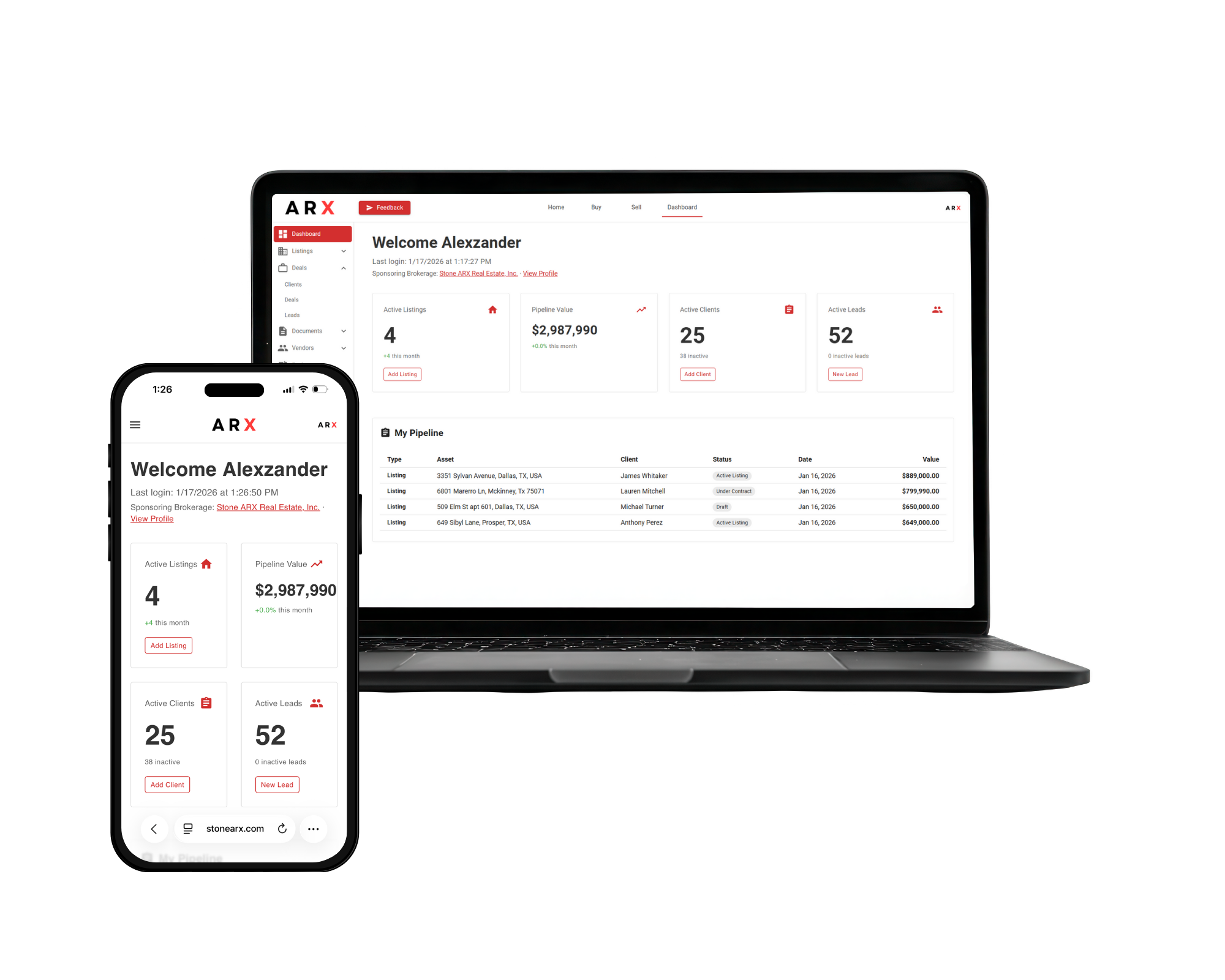
Inside ARX
Buying Hub
Criteria
Saved Properties
Deals
Built for daily use
The core surfaces this investor and buyer workspace actually covers.
ARX keeps the real work visible instead of splitting it across disconnected tools, inboxes, and handoffs.
Opportunity organization that persists
Instead of a one-time search, the platform includes dedicated boards for buying hub, criteria, saved properties, and deals so buyers and investors can keep a live pipeline.
Analysis beyond list price
Market trends and price-comparison views help buyers and investors understand context before they advance a property or change strategy.
Financing and affordability tools
The personal dashboard already includes affordability and mortgage planning tools, so capital planning sits next to the opportunity pipeline.
Partner and deal support
Buyers and investors can move from opportunity review into execution with agent access, vendor/title-company connections, and deal tracking.
Workflow
Structured from start to finish.
The work has a clear path, so users can see what moves next without digging through separate systems.
Step 01
Search and source
Hub + criteria
Use the buying hub and criteria views to focus the search, define targets, and organize what belongs in the active funnel.
Step 02
Compare the field
Saved properties + analytics
Saved-property and comparison views keep opportunities organized while market trends and price comparisons add context.
Step 03
Underwrite the move
Affordability + mortgage
Affordability and mortgage tools help buyers and investors model what is realistic before offers move forward.
Step 04
Advance into deals
Deal workspace + checklist
Move from saved opportunities into active deals with prep checklists, partner access, and visibility into what is next.
Step 05
Extend the opportunity set
Market deals + earn more
Opportunity surfaces like market deals and earn-more views create room for repeat use beyond a one-time property search.

Workspace coverage
The buying side is split into usable decision layers.
The refreshed page now shows the actual boards available to investor and buyer users, including search management, planning tools, analytics, and partner discovery.
Properties
Opportunities
Analytics
Tools and Account
Questions users usually need answered fast.
The page should explain the workflow clearly instead of making people decode a long positioning document.
Is this just another property-search front end?
No. Search is part of the flow, but the platform also includes saved-property management, analytics, affordability tools, and deal progression.
Can this work for investors as well as traditional buyers?
Yes. The investor and buyer page is intentionally broad because the platform supports pipeline organization, market comparison, and capital planning for both.
Do I need to bring my own partners into the process?
You can, but ARX already includes paths to agents and title companies so those next steps are easier to manage inside the same environment.
Ready to start
Use the full investor and buyer workspace, not a patchwork of tools.
Join ARX to keep the workflow, people, files, and next steps inside one operating layer built for real estate work.